

UNIT
01
01
Your First Pixels
Meet the editor, save an editable project and draw a clear head-and-cap shape.

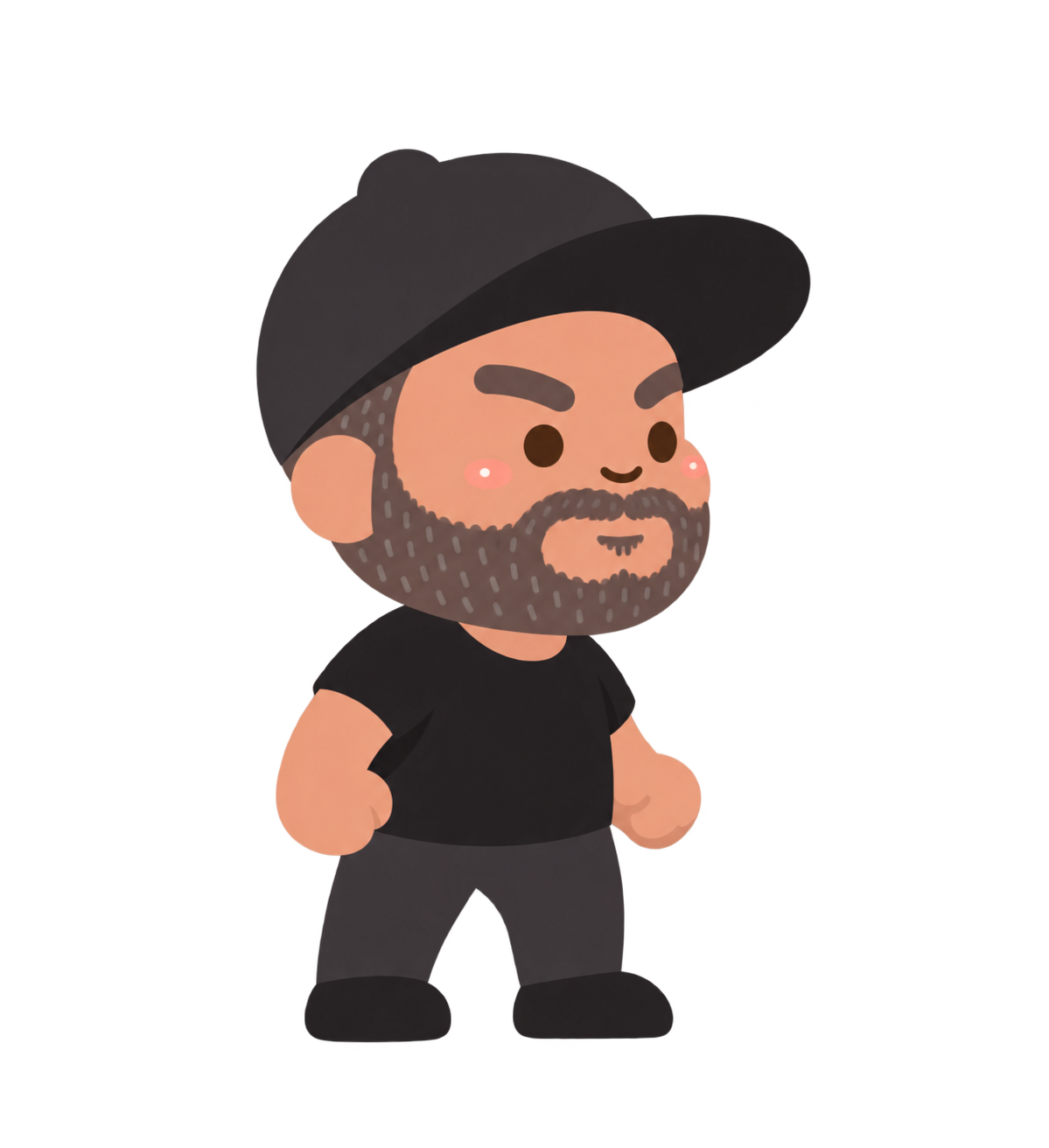
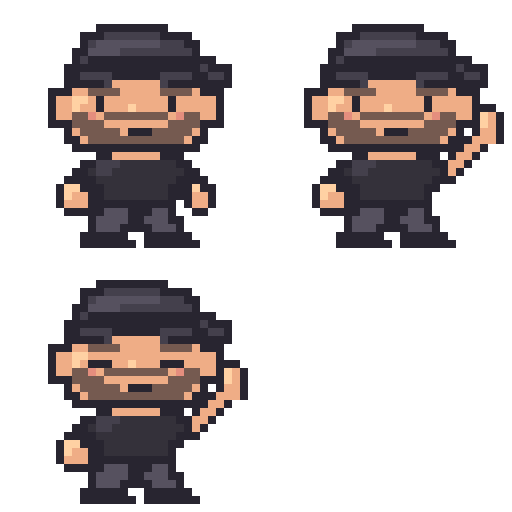
Create 2D pixel art from a blank 32 × 32 canvas in Piskel. Use Mr. S’s cap-and-beard character as a reference, draw the character one small step at a time, add layers and simple shading, then make a three-frame wave and blink. Real Piskel screenshots show the tools and what to check. Keep editable project files and export your art for future games. Designed for beginners ages 8+ using a laptop or desktop; an adult can help with downloads. Pause between steps and take extra time to draw.
Start with a blank 32 × 32 canvas in Piskel. Use the character reference as your guide and draw each small part yourself. Keep an editable .piskel save after every lesson; PNG and GIF are exports to share; the .piskel file keeps the editable project and its layer/frame structure. Save your own work before importing a comparison.
The supplied standing character used as a visual reference. Students draw a simpler pixel version from a blank canvas.
An editable comparison of the completed character and wave. Save your own .piskel before importing another project.
Separate end-of-lesson Piskel files for checking your progress. Extract the ZIP and open only the comparison you need.
The finished transparent 32 × 32 standing picture, ready to use as one game costume.
All three 32 × 32 frames arranged side by side in one transparent 96 × 32 PNG. Import as a sprite sheet only when your game editor supports it.
A 256 × 256 enlarged animation for previewing or sharing. Keep the editable .piskel project for drawing changes.
Curriculum
Move in order or jump back anytime for a quick review.
Meet the editor, save an editable project and draw a clear head-and-cap shape.
Add a readable face, clothes and simple highlights while keeping your artwork organized in layers.
Make a short wave animation, then save, export and explain your finished pixel art.
Finished project
Open the editable Piskel comparison to explore the finished pixel character and its small frame-by-frame wave. Save your own drawing first.
Save your own work before opening the downloaded comparison project in its editor.