Beginner vector art · Ages 13–17

VectorCraft: Design a 2D Game Character

  • 3 units
  • 8 lessons
  • 8 lessons · 30–45 minutes each, plus an optional 30-minute capstone

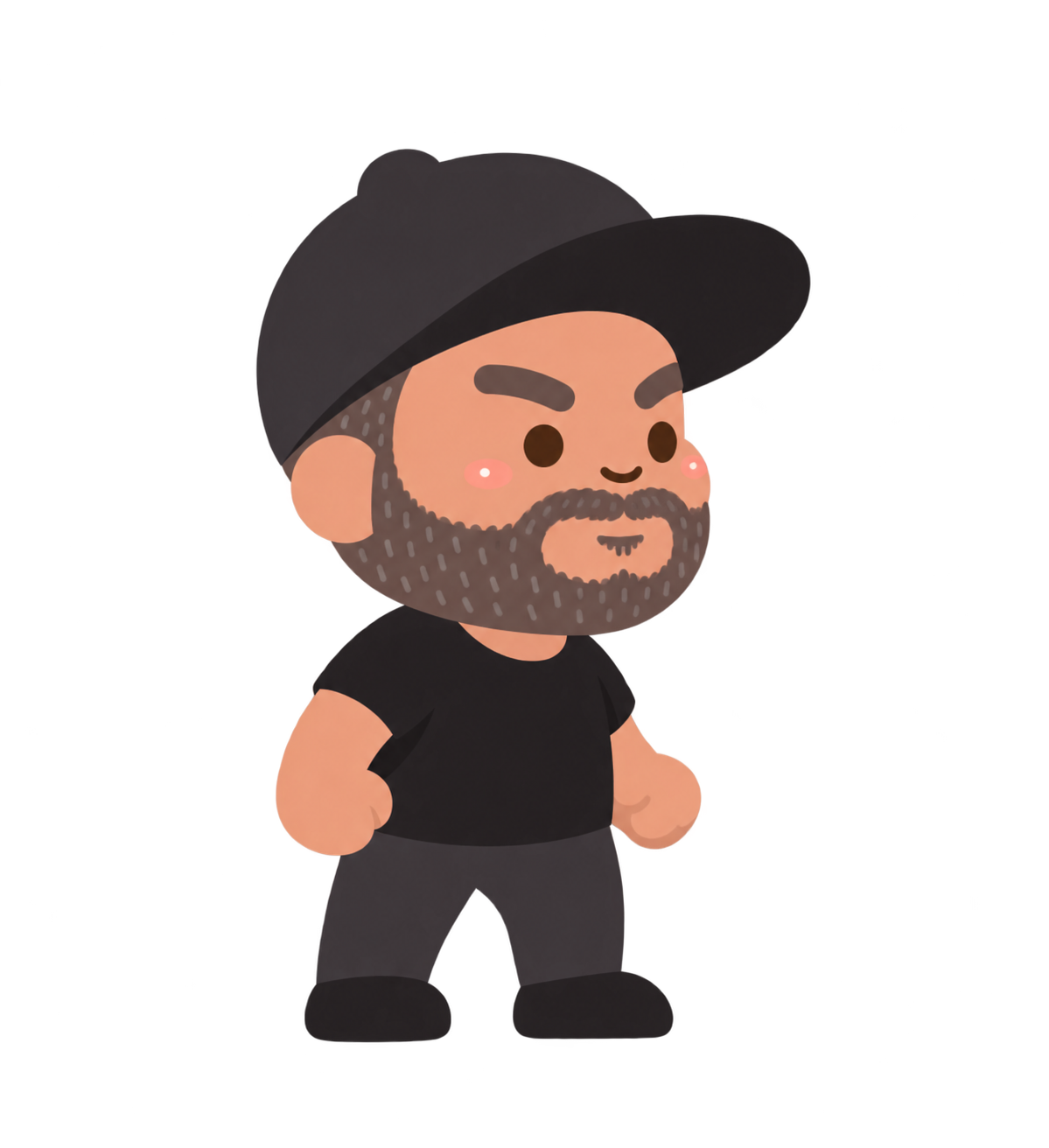
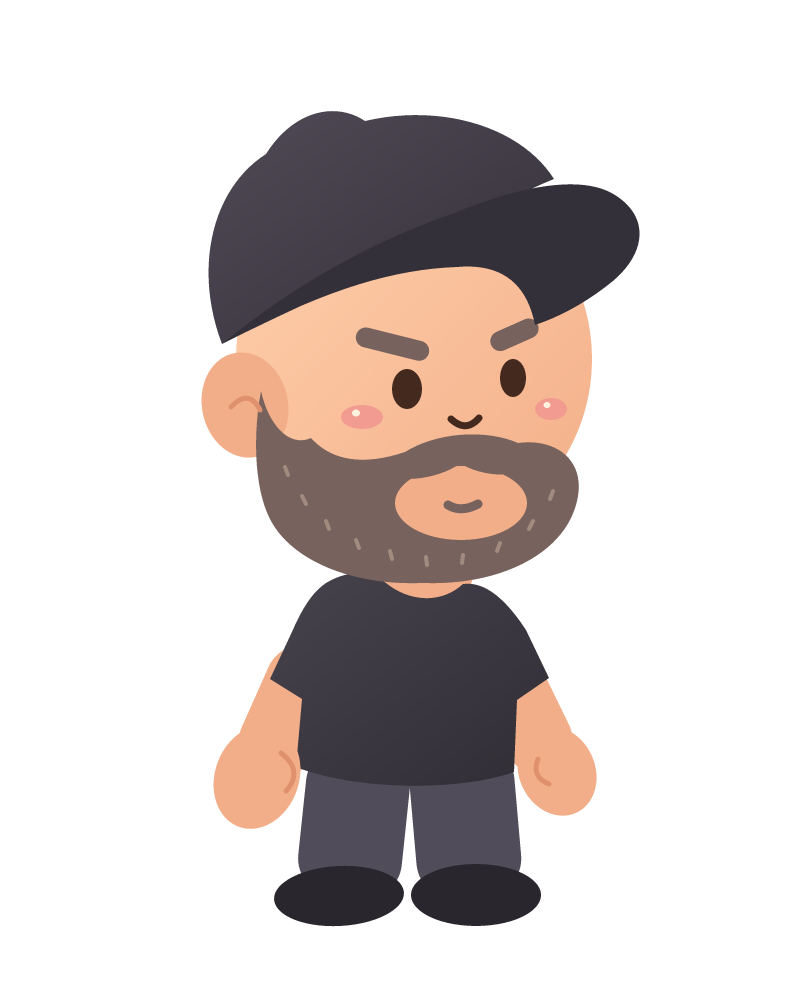
Design a 2D platformer character from a blank artboard. Use Mr. S’s cap-and-beard character to practice basic shapes, Bézier curves, layers, color, and shading. Save editable vector artwork, export a transparent game sprite, and test an action pose at gameplay size. Designed for teens ages 13–17 across eight flexible lessons.

Downloads

6 files

Start with a blank document in VectorCraft and draw one small part at a time. Keep an editable .vectorcraft save after every lesson. SVG preserves vector shapes for other drawing tools; PNG is a picture export. Comparison projects are optional: save your own work before opening another file. Ask an adult for help installing the editor and organizing downloads.

Download the character reference

The supplied standing character used as a visual guide. Start with a blank document and build your own simpler vector version from shapes.

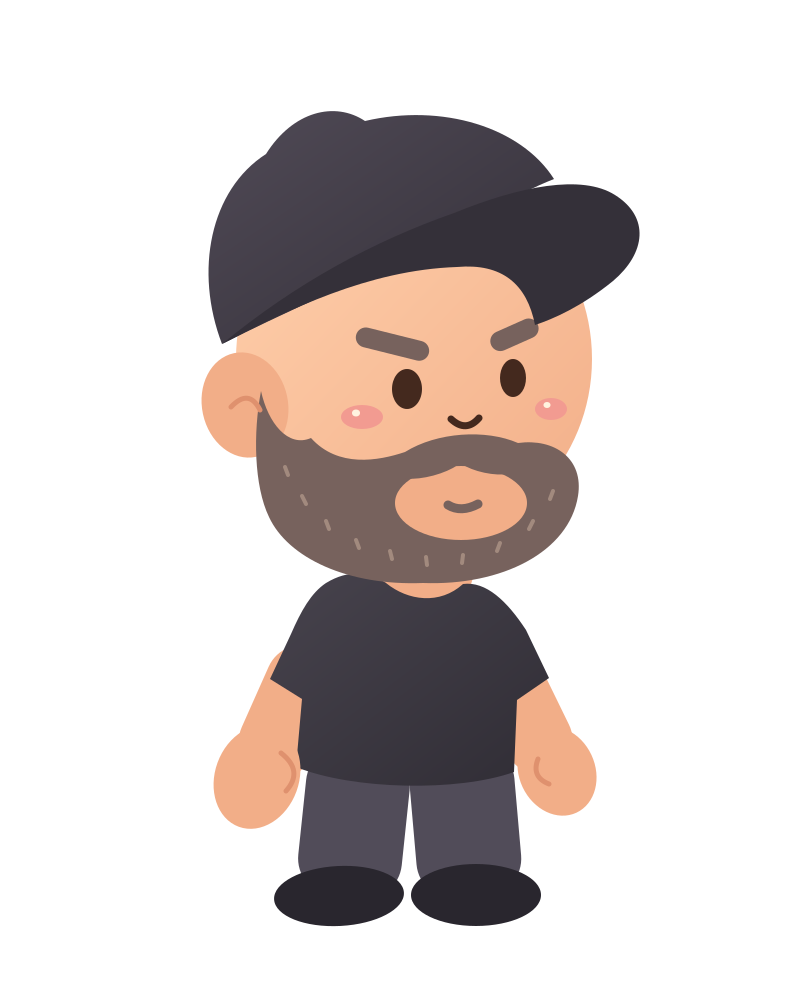
Download the finished VectorCraft project

The editable character comparison. Keep your own .vectorcraft project before opening another file.

Download lesson comparisons

Eight separate end-of-lesson projects for checking your progress. Extract the ZIP and open only the matching comparison.

Download the vector character SVG

A scalable vector export with editable paths and shapes. Keep your native VectorCraft project too.

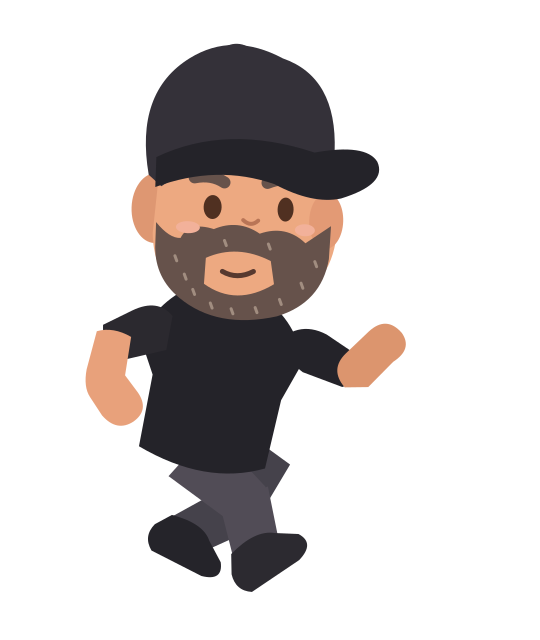
Download the running-pose study

An editable SVG example for the optional platformer action-pose capstone.

Download the character PNG

A transparent picture export for sharing or using as a game costume. A PNG keeps pixels, not editable vector paths.

Curriculum

Your learning path

Move in order or jump back anytime for a quick review.

Finished project

Mr. S’s vector character

Explore the completed editable vector character with separate shapes for the cap, face, beard, clothes and highlights. Save your own drawing before opening a comparison.

Save your own work before opening the downloaded comparison project in its editor.

Download the finished VectorCraft project