Your First Vector Shapes
- 3 lessons
- 115 minutes
Meet the editor, save a blank document, and turn simple shapes and curves into a head and cap.
Downloads
6 files
Start with a blank document in VectorCraft and draw one small part at a time. Keep an editable .vectorcraft save after every lesson. SVG preserves vector shapes for other drawing tools; PNG is a picture export. Comparison projects are optional: save your own work before opening another file. Ask an adult for help installing the editor and organizing downloads.
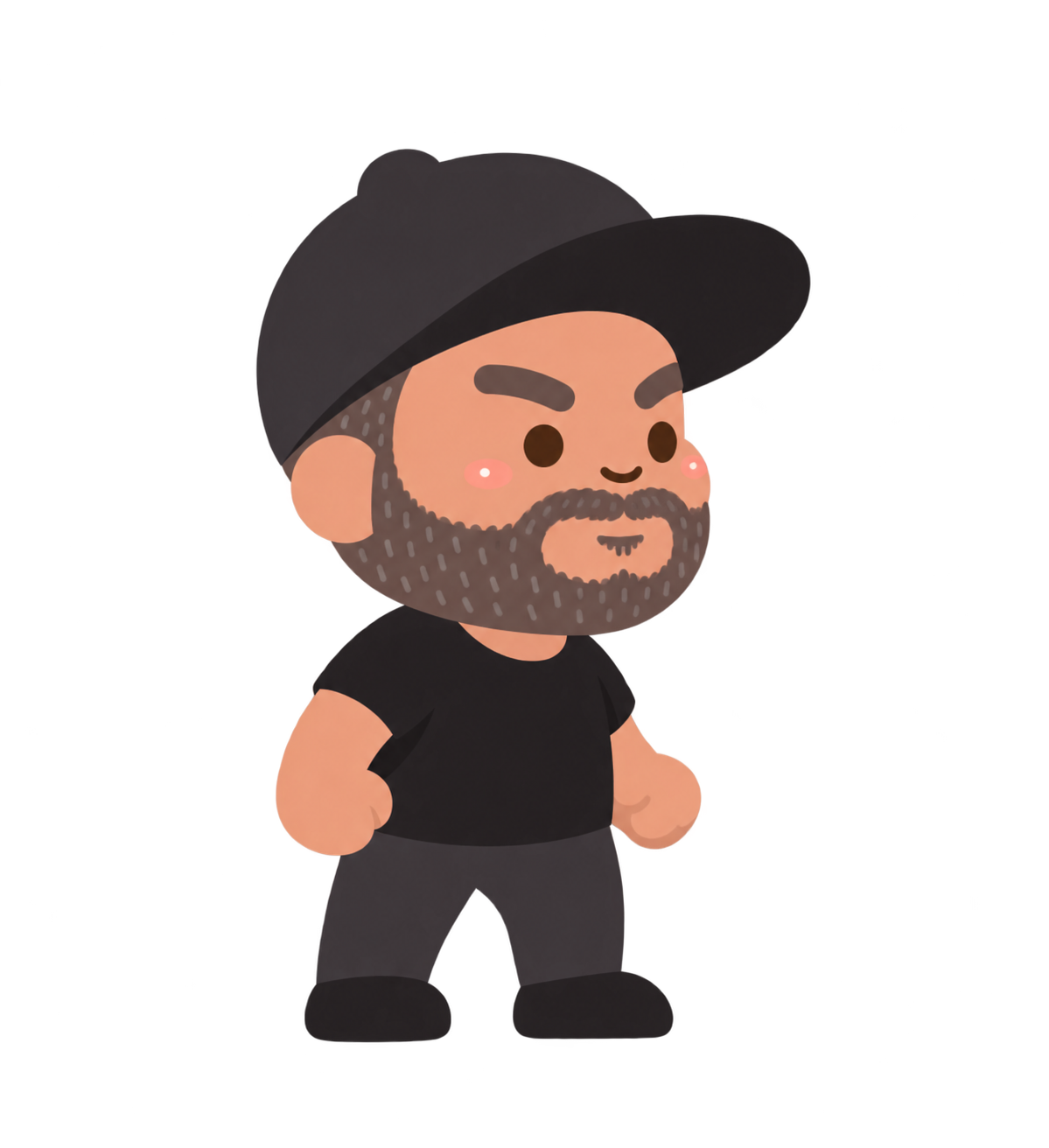
The supplied standing character used as a visual guide. Start with a blank document and build your own simpler vector version from shapes.
The editable character comparison. Keep your own .vectorcraft project before opening another file.
Eight separate end-of-lesson projects for checking your progress. Extract the ZIP and open only the matching comparison.
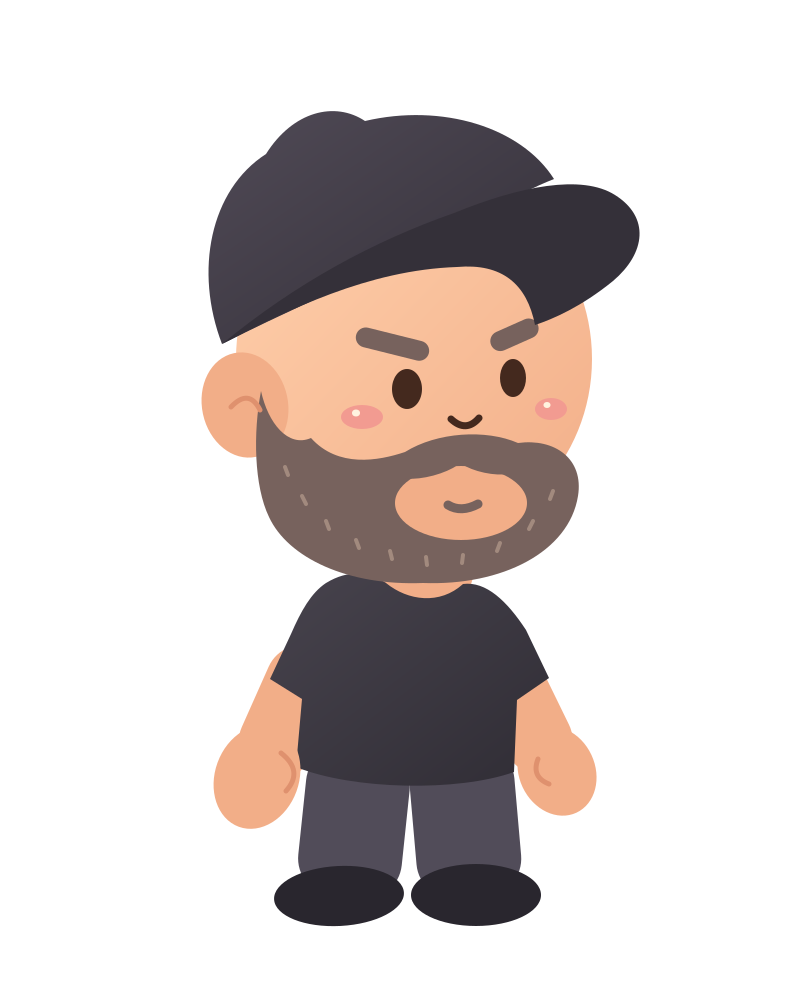
A scalable vector export with editable paths and shapes. Keep your native VectorCraft project too.
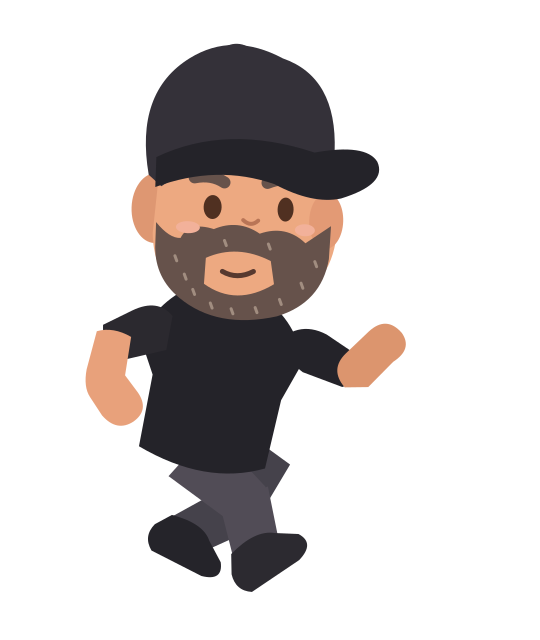
An editable SVG example for the optional platformer action-pose capstone.
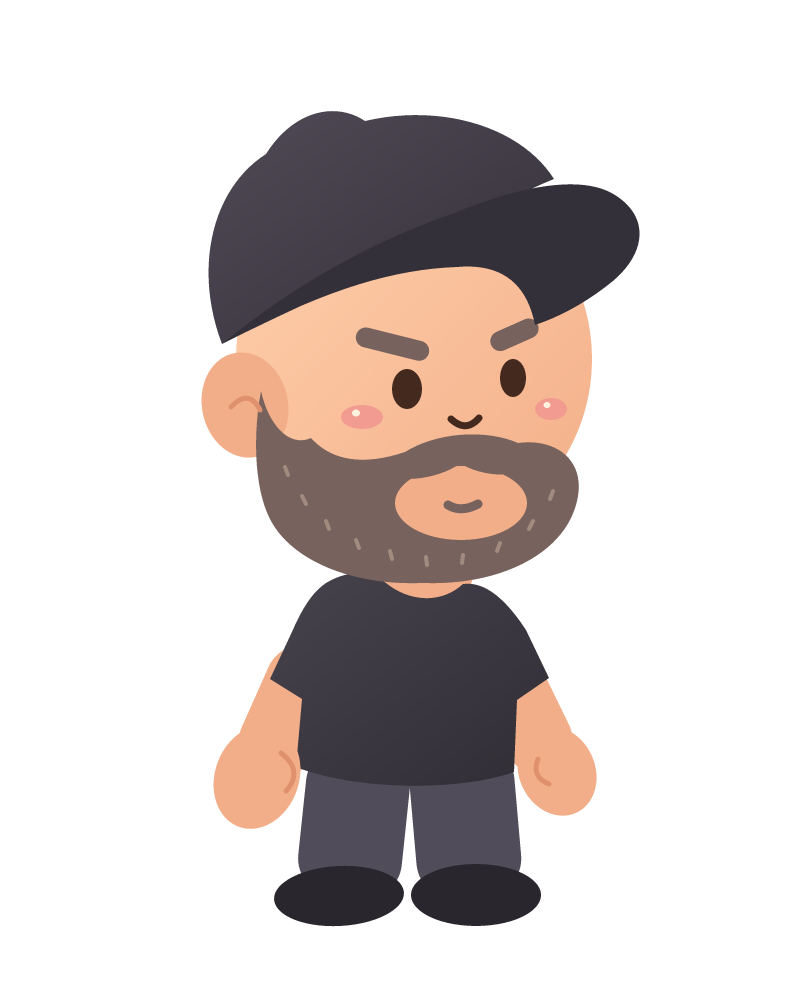
A transparent picture export for sharing or using as a game costume. A PNG keeps pixels, not editable vector paths.
By the end
You’ll be able to…
- Create and save an editable 800 × 1000 document, and identify the tools, artboard, fill, stroke and Layers panel.
- Use filled ellipses, selection and stacking to make the character’s large head and visible ear.
- Draw two closed curved paths for the crown and brim, then refine their points with Direct Selection.
Your lessons